01
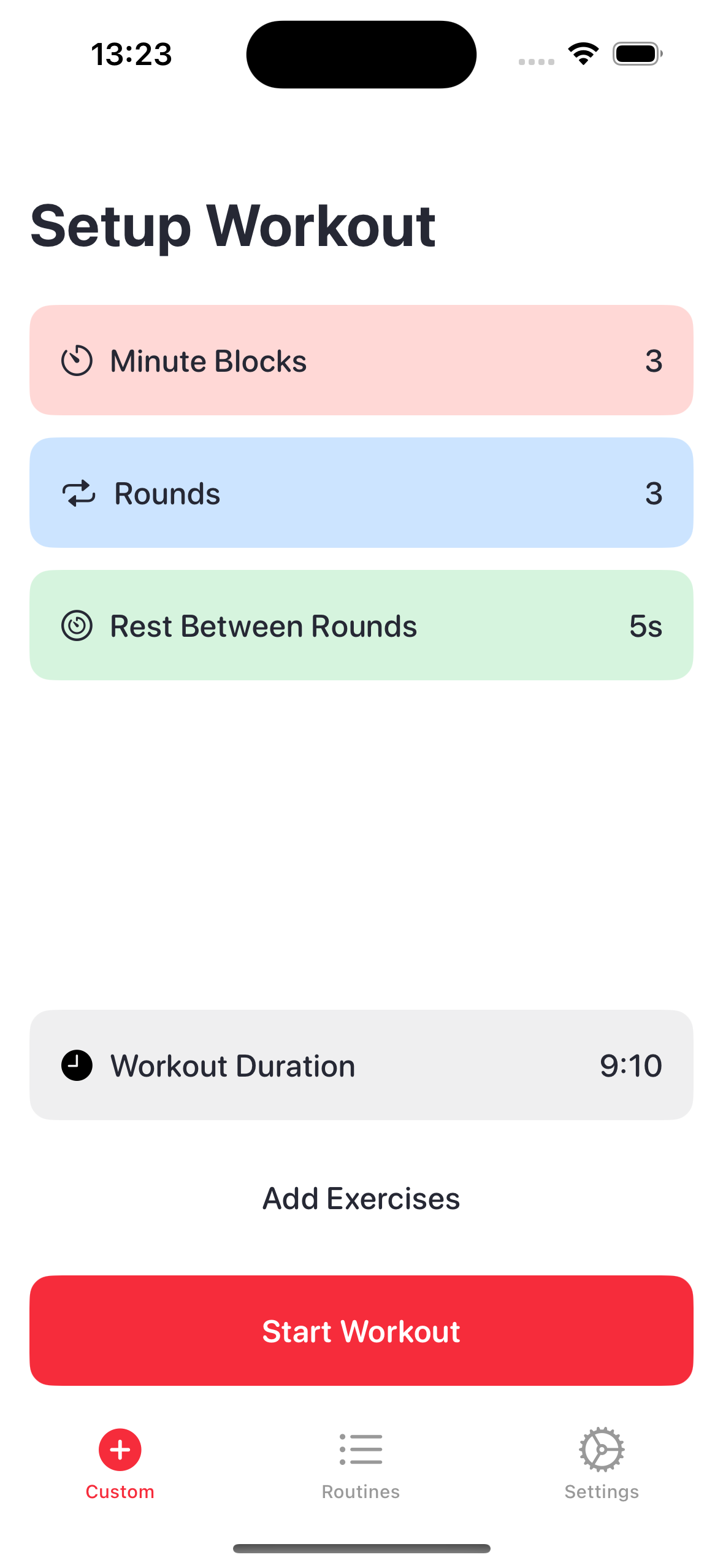
Build your workout
Choose rounds, minute blocks, rest time, exercises, reps, and the pace that fits today.
EMOM & interval timer for iPhone
Build your interval, follow clear visual and audio cues, and keep your attention on the next rep—not the clock.
From plan to final round
An uncomplicated flow keeps setup quick and the training screen readable when your heart rate is not.
Choose rounds, minute blocks, rest time, exercises, reps, and the pace that fits today.
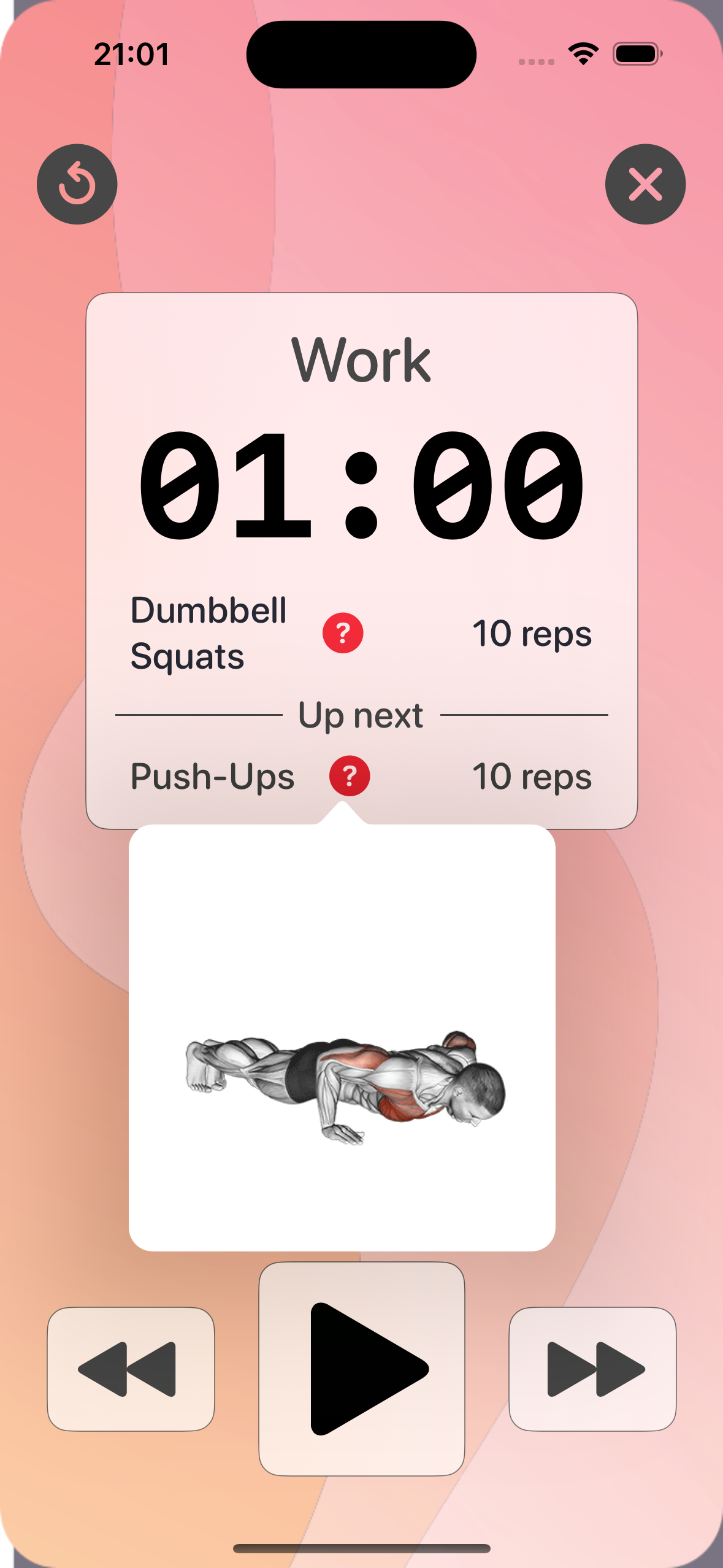
Large timing, the current movement, and what comes next stay visible at a glance.
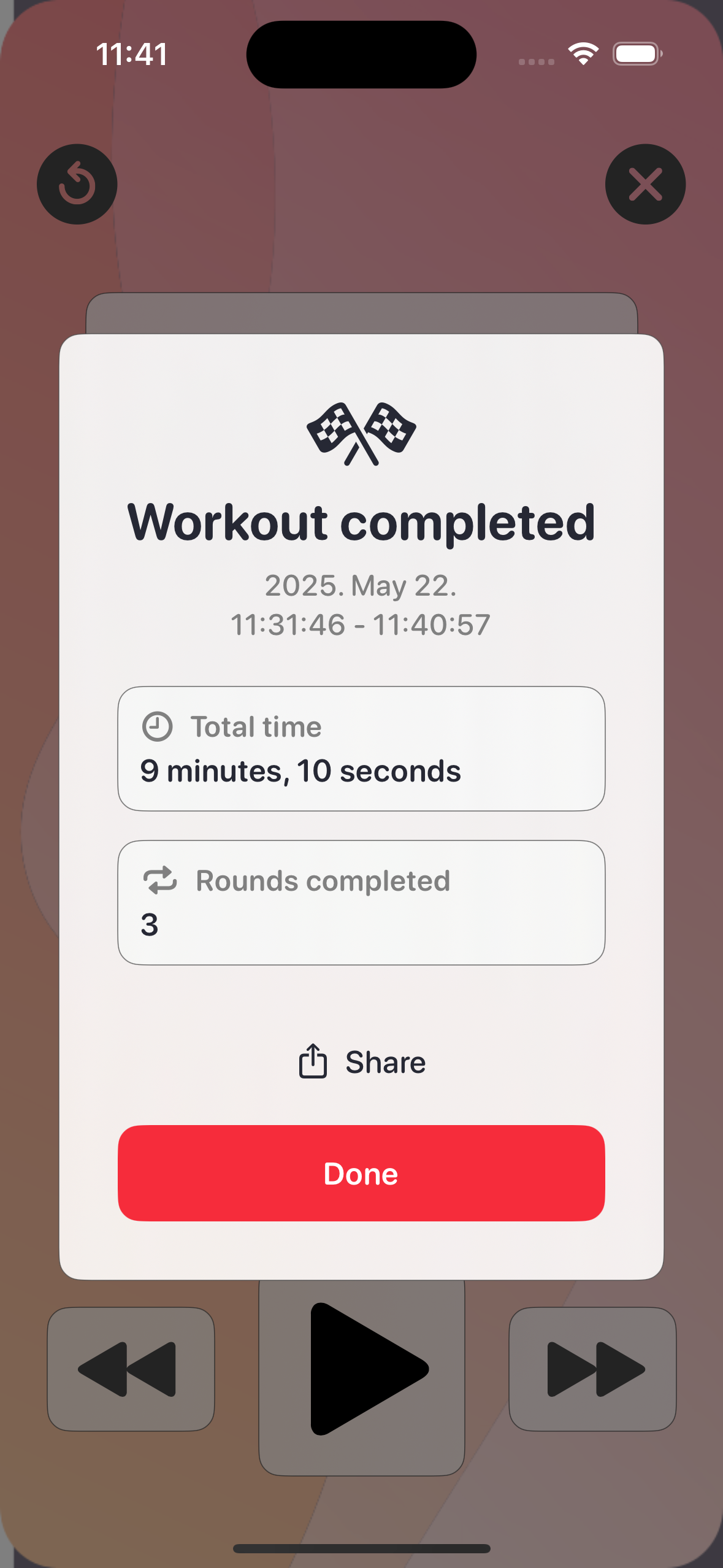
Close the session with a clear summary of your time and completed rounds.
Everything the interval needs
Start with a routine or make the minute your own. EMOM Timer keeps the details flexible before training and beautifully simple once it begins.
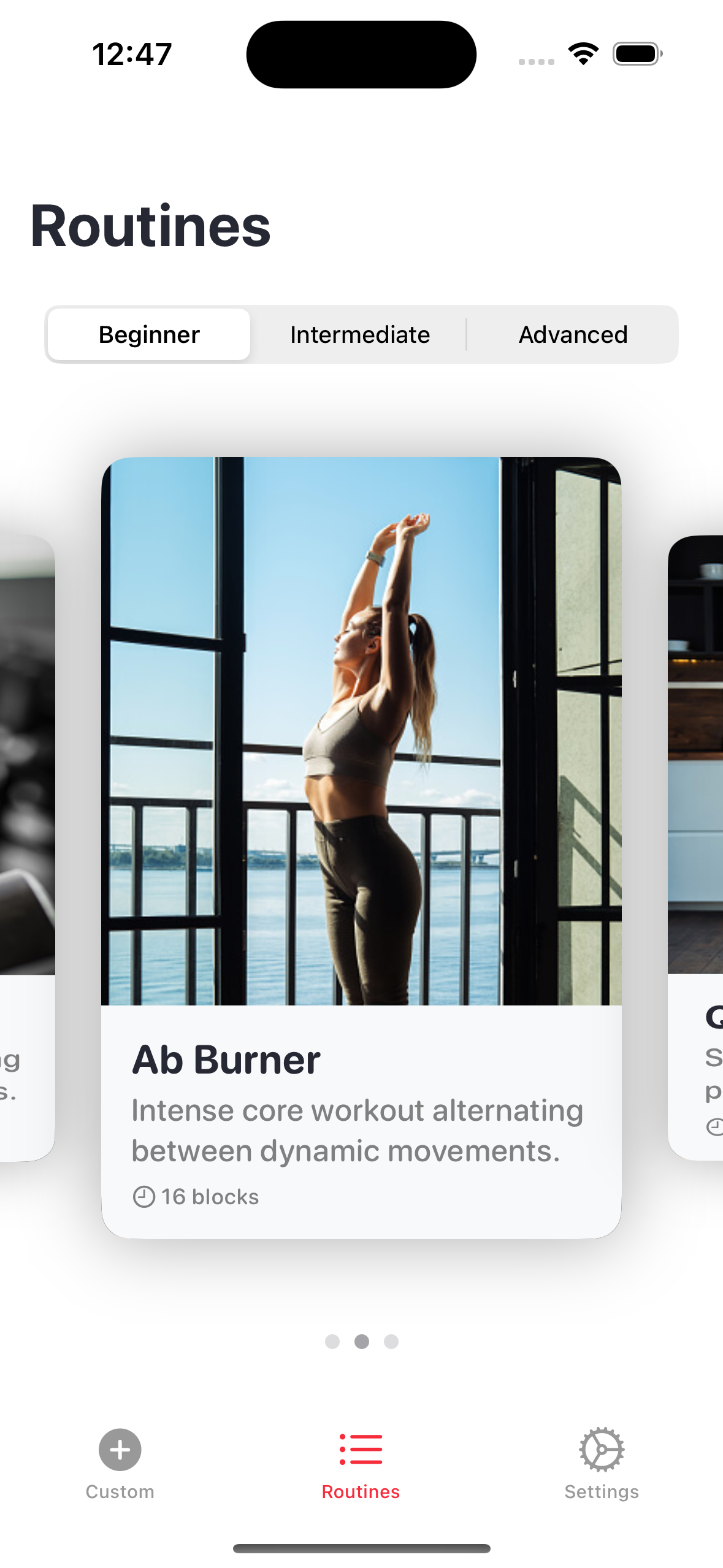
Browse beginner, intermediate, and advanced routines when you want to train now—not program first.
Distinct sounds, optional voice cues, and a high-contrast timer keep transitions clear without breaking your flow.
Pause, restart, skip ahead, or move back a block without rebuilding the workout.
A clean interface keeps attention on work, rest, and the movement in front of you.
Made to be glanced at
No dashboard competing for attention mid-set.
Know what to do now and prepare for the transition.
Color, sound, and labels reinforce the change together.
Straight answers
EMOM means “Every Minute On the Minute.” Start the prescribed work at the beginning of each minute, then use any time left to recover before the next minute begins.
Yes. Set your number of rounds and blocks, adjust work and rest duration, and add exercises and rep targets.
Yes. Presets are grouped by beginner, intermediate, and advanced difficulty so you can get moving quickly.
The app is free to download and includes two workouts. Premium unlocks unlimited workouts and all features.
Yes. The free online timer runs a simple one-minute EMOM in your browser. The iPhone app adds custom exercises, flexible blocks, presets, saved workouts, and richer controls.

Your next round is ready
Download EMOM Timer for iPhone and build your first workout in minutes.